Many loops are not identified as loops and fail to timestretch
Many loops are not identified as loops and fail to timestretch and match the tempo even after forcing them to play as loops and enabling the timestretch manually.
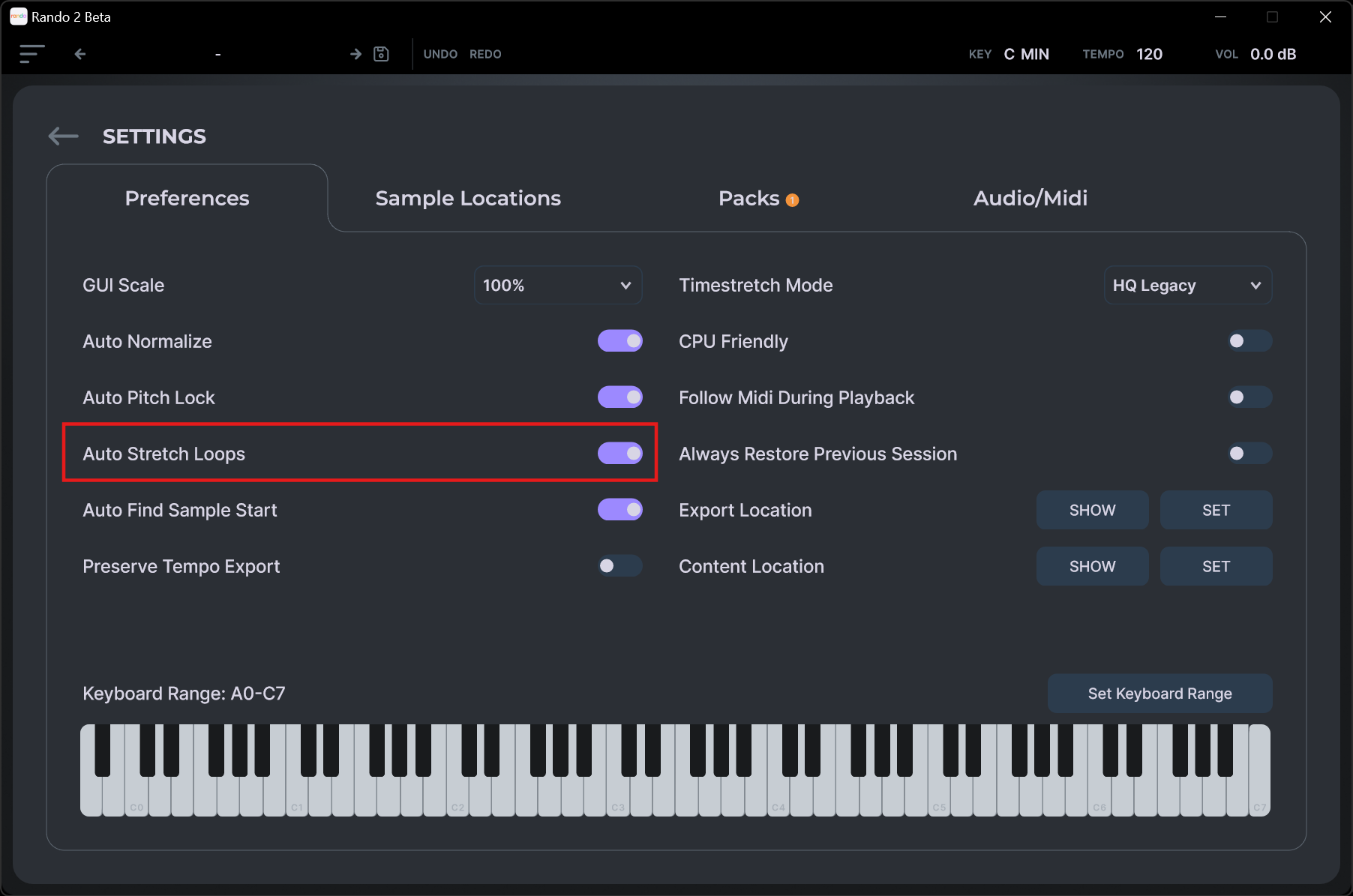
Even though the “Auto Stretch Loops” setting is enabled.
Log in to comment and vote
Comments8
Dennis De Laat
Jan 21
Hi, we are working on analysing a bit more, but it is quite hard to figure out if a loop should be a loop or not if there is no tempo information to be found. Can you give us some examples of filenames?
btw I agree that if their is tempo info in the name we should pick that up!
Den Unison
Jan 21
Hi Dennis! I understand that identifying loops without tempo information is tricky. However, many of my loops don’t include any tempo info in the filename at all.
It would be great to have a built-in BPM detector/analyzer for these cases. Even if the results aren’t always 100% accurate, being able to force-enable loop mode and estimate the tempo using a BPM detector would help resolve many no-tempo loop issues, even if some manual fine-tuning is still required.
I’m not sure that picking BPM from the filename is entirely reliable, since without a number between 24 and 200 followed by “BPM,” it could be anything, from a track number to random digits, which might lead to many false BPM detections. It could still perhaps be used as a last resort, or to compare these numbers with the BPM detector results and adjust them if there’s a close match.
Dennis De Laat
Jan 22
Hi,
Bpm detection is not the problem. The problem is how to determine if something is a loop.
You can’t trust the name of the folder
length alone will also not tell you when something is a loop
A long fx sweep can also be set to loop if you are not careful
Classification or analysis is also hard because that takes time and you can also have 4 bars of silence and then one open hat
What we could do is make some kind of autowarp that if a sample is between x seconds that we set it to loop, but still you can see how dangerous that is.
I am thinking of a couple of things:
We could look at the whole folder and if we find a lot of similar or repeating sample lengths we could say that it is a loop folder. No clue how that would work with 1000 samples in a folder so will check.
We could say we will only let through 1, 2, 4 and 8 bars maybe between 70 and 140 bpm. This will give us a certain target length we could work with.
Maybe add some words that can’t be in the name.
We have worked on this for quite some time already by looking at foldernames etc. You always have people calling the folder ‘loops’ and then accidentally adding oneshots.
We already have bpm detection built in for samples that contain the word loop so that part is easy. The trick is deciding if something is a loop.
But send me some examples where your daw says something is a loop that:
has no tempo info in it
does not contain the word loop
Last what comes to mind is: i can come up with length for loops no problem, but the question is how exact do the tolerances need to be. I remember from back of the day when a loop rendered on mac vs pc would not be the same length, but maybe that has changed in the meantime.
We could add a feature that is less cautious but I also prefer to not have so many settings to something that always works.
Let me know your thoughts!
Dennis
PS We could also think of much occurring tempos come to think of it: 70, 80, 90, 100, 110, 120
Dennis De Laat
Jan 22
Oh and I think you sent me your db file, but I can’t find it in my email anywhere, can you resend?
Den Unison
Jan 22
I agree that there’s no 100% accurate way to determine whether a sound is a loop yet. The approaches you’re suggesting are quite sophisticated, but I'm not sure any of them can fully solve the problem in every case.
I love to dig through old-school sample CDs, which often contain very minimal or unreliable metadata. Because of that, instead of trying to handle all edge cases through automatic loop detection (which will inevitably produce some misdetections), I’m suggesting a more user-driven approach.
Specifically, when a user manually force-enables loop mode, Rando could then attempt BPM detection on that sound. This way, even if the detection isn’t perfect, the user is explicitly telling Rando, “I’m sure this is a loop, try to figure out its tempo”.
Somewhat similar to how Ableton analyzes this type of loops:
Dennis De Laat
Jan 22
ah I see the issue: so you are saying that when you click the loop button, there is no bpm detection correct?
becuase that is the easiest way to tell Rando something is a loop.
Dennis De Laat
Jan 22
I am putting this on the new list as this is something I am annoyed with too. So I want to make the loop button cycle: Off, Loop, Loop with BPM
Den Unison
Jan 22
Yes, exactly! Thanks for the quick response. And sure, feel free to open another ticket for the loop cycle button idea. It sounds great and directly addresses my point. Would be a huge improvement 🙂